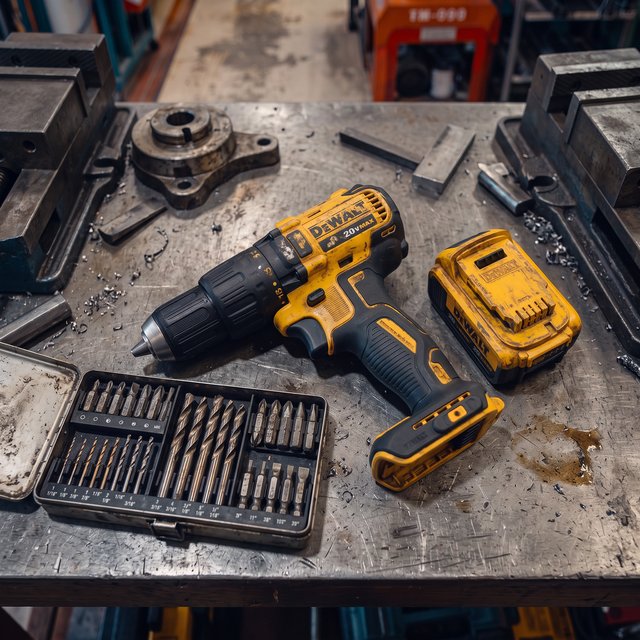
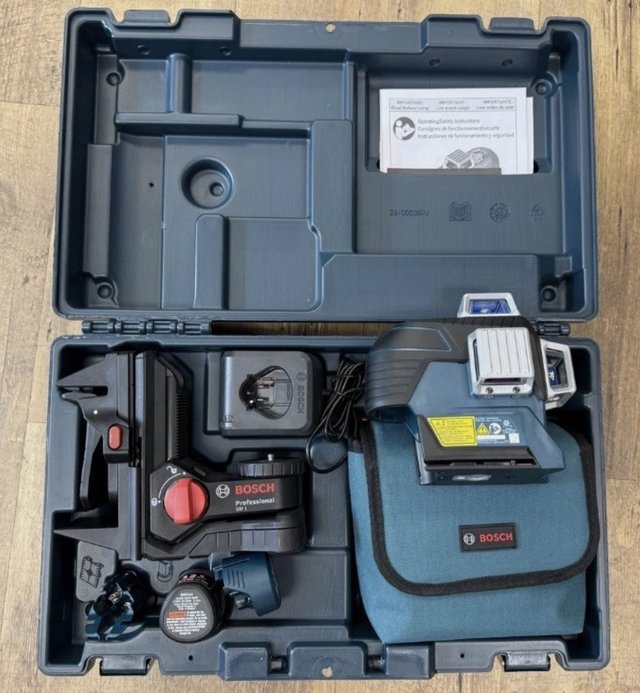
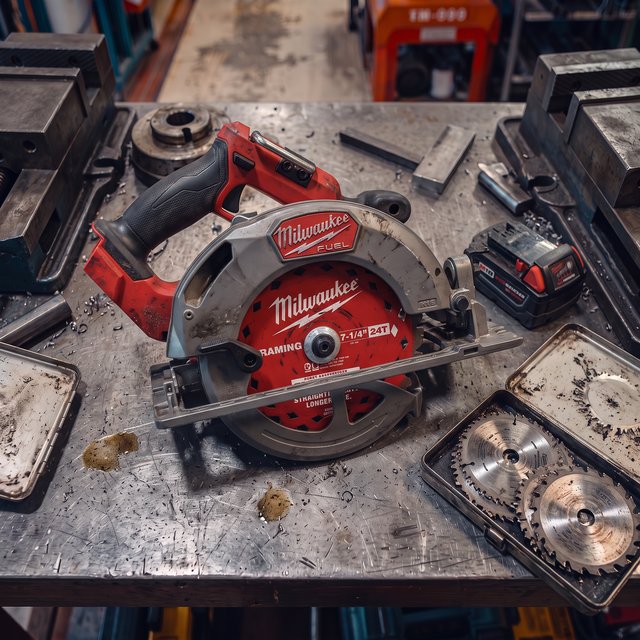
When every impact driver looks the same, chaos follows
Four conversations that happen every week in shops running text-only inventory — and what each one really costs.
You own 12 impact drivers. A field user asks for “the red one with the case.” Twenty minutes later, the shop still sends the wrong one.
Your shop runs on one guy who knows every tool by sight. The week he’s out, everyone else is reading model numbers off a screen and guessing.
A foreman buys a $400 rotary hammer because the model number in the system meant nothing to him. It was sitting in Bin A-14 the whole time.
A trailer walks off with $15,000 in tools. Your inventory says “3 rotary hammers.” A photo on each record shows exactly which three, instead of rebuilding your own inventory from memory.
Point. Shoot. Done. The system handles the technical part.
No special equipment, no image editing, no file naming schemes. Upload any photo from any device — every one comes out fast-loading, consistent, and organized.
Any angle, any lighting, any background. Drag-and-drop for bulk setup on desktop.
Loads fast even on jobsite connections. No file naming, no resizing, no clean-up afterwards.
Add photos while creating items or weeks later. After a bulk CSV upload, ToolLogix sends an SMS/email reminder and tracks which items still need photos.
Each tool carries one image, so make it the shot that settles the question — the case it lives in, the color, the model plate. One good photo beats a model number every time.
Nothing to buy, mount, or train anyone on. A photo works on any tool, including the beat-up ones that will never hold a label.
Not just a catalog — every screen gets visual
Once a tool has a photo, it follows the tool through every workflow in ToolLogix. Everyone sees the same thing, so nobody guesses.
Browse a visual grid like a catalog, not a spreadsheet. Thumbnails in every list view.
Recognize tools instantly instead of reading model numbers. Filter and browse by sight.
Requester, approver, and shop supervisor all see the same photo. The right tool gets pulled.
Visual confirmation at every hand-off. The person taking the tool and the person releasing it are looking at the same picture.
Both sides see exactly what’s moving before approving. No wrong-tool transfers.
Damage photos arrive before the tool does. Prioritize the repair queue by visual severity.
Archive an item and its photo stays on the record. What you owned, and what it looked like, stays in the history.
Compressed photos load fast on jobsite connections. Swipe through inventory visually.
Why ToolLogix photo management beats the competition
Put a face on every tool you own
Start your 14-day free trial today. No credit card required, full access to every feature — photo management included from day one.


Common questions about inventory photos
Still wondering about something? Our team answers within one business day.
Ask us directlyDo I have to photograph every single tool?
No — photos are optional but highly recommended. Start with high-value equipment and frequently requested tools, then add photos as you go. Every photo you add improves your experience.
What if I upload a photo that’s too large or the wrong format?
ToolLogix only accepts .jpg files up to 2 MB. If your file doesn’t meet these requirements, you’ll get a clear error message. Most phone cameras save as .jpg automatically, so this rarely happens.
Will photos slow down my system?
No. Every photo is automatically compressed to under 300 KB, which keeps pages loading fast on any device — even mobile with limited jobsite connectivity.
Can I add photos after I’ve already created my inventory?
Absolutely. You can add photos to existing tools anytime. Many customers set up their inventory first, then add photos in batches over the following weeks.
How many photos can I add per tool?
One. That single image becomes the tool’s face everywhere it appears — search, requests, transfers, and the mobile app — so pick the shot that makes it unmistakable: the case it lives in, its color, and the model plate if it’s readable.
What happens to photos if I delete a tool?
When you archive a tool, its photo stays with the archived record for historical reference, so you can still see exactly what the item was.
Can I export my inventory photos?
There’s no bulk photo export. Each photo stays attached to its tool record, where you can view it — and save a copy if you need one — from any device.
Do photos work offline?
Uploading and viewing photos requires an internet connection, since photos load from cloud storage. Offline capability is on our roadmap for future releases.